-
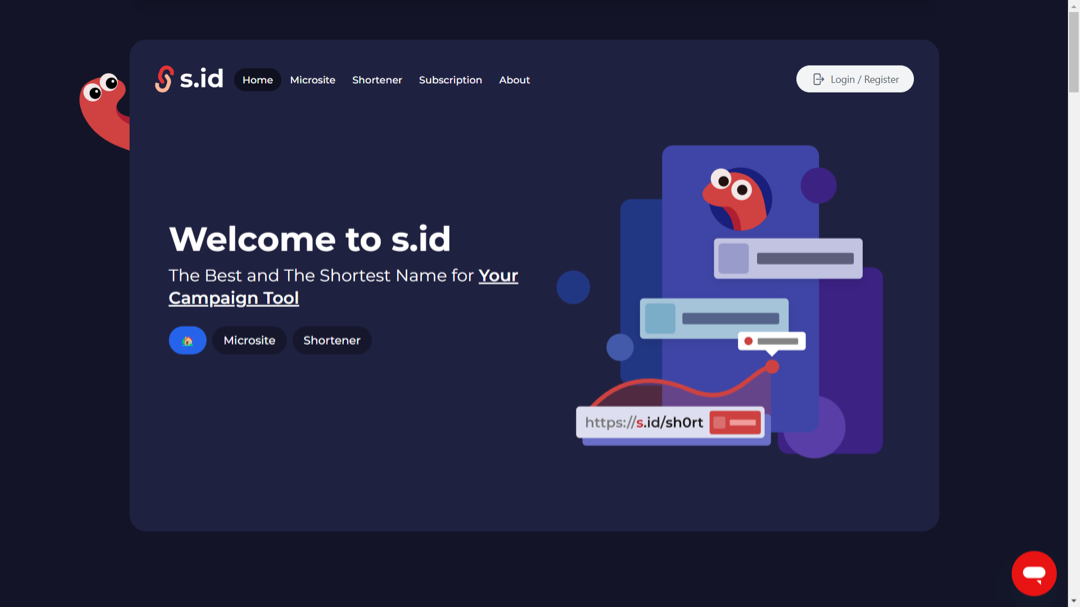
Visit https://home.s.id/
-
Click Login/Register.
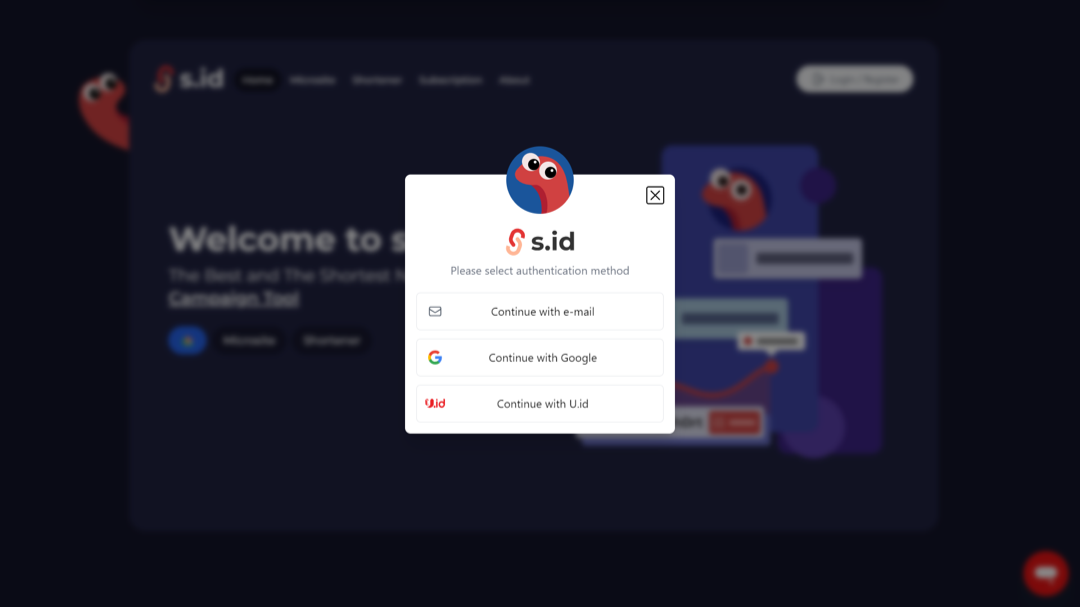
- You will be given three authentication methods to choose from: e-mail, Google and U.id, choose your preferred option to continue creating or logging into your account.
-
- After logging in, you will be redirected to the S.id dashboard. There are two ways to create a microsite:
- You can select the Create New Microsite button under **Quick Access **located directly on the dashboard.
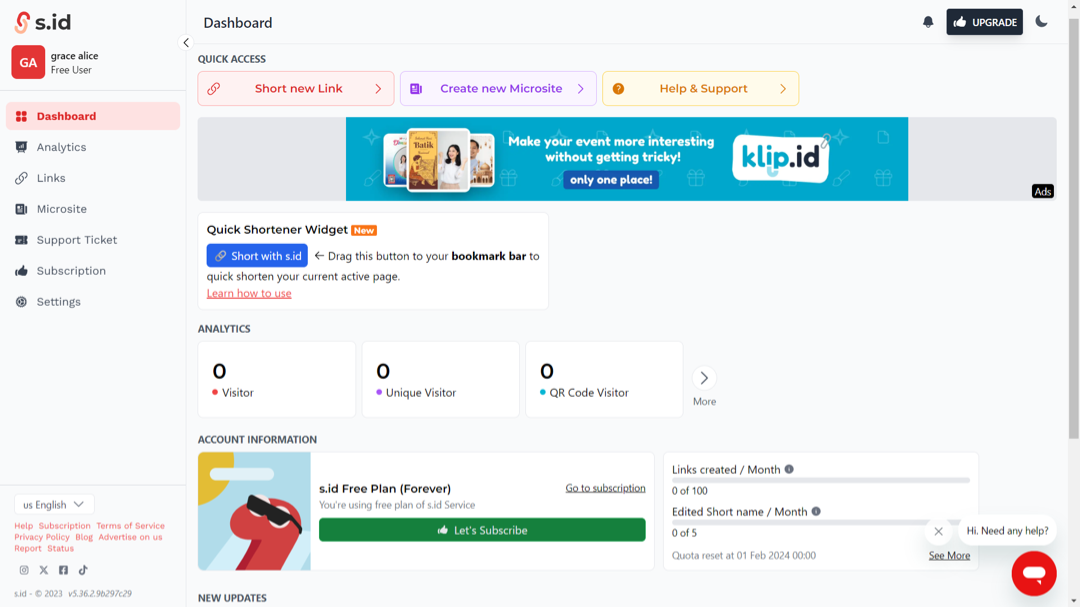
- Or click on the **Microsite **menu located on the sidebar menu, then click the Create New button.
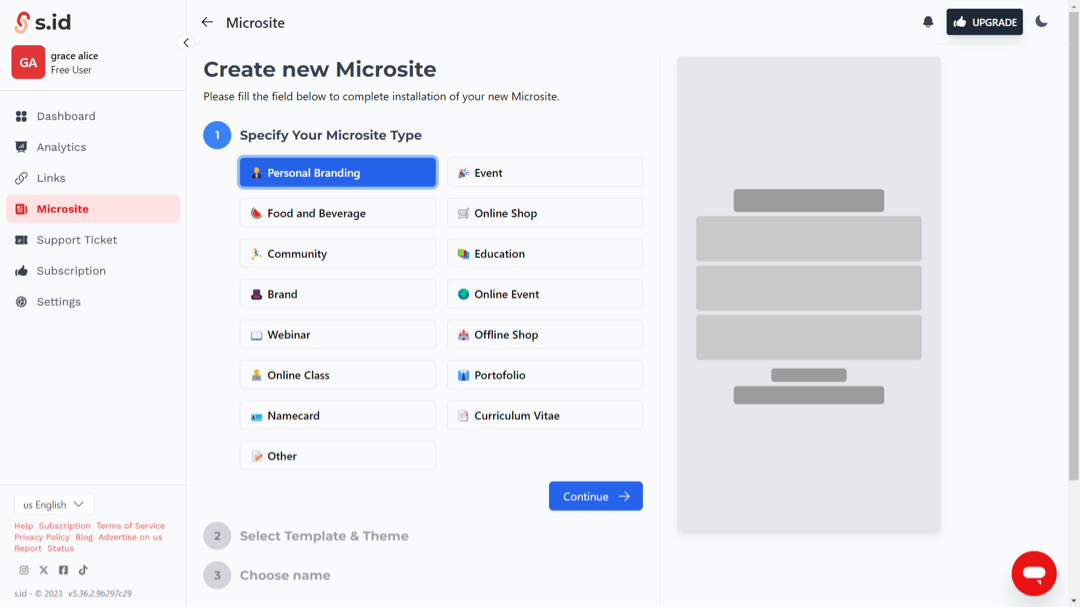
- Determine your microsite type
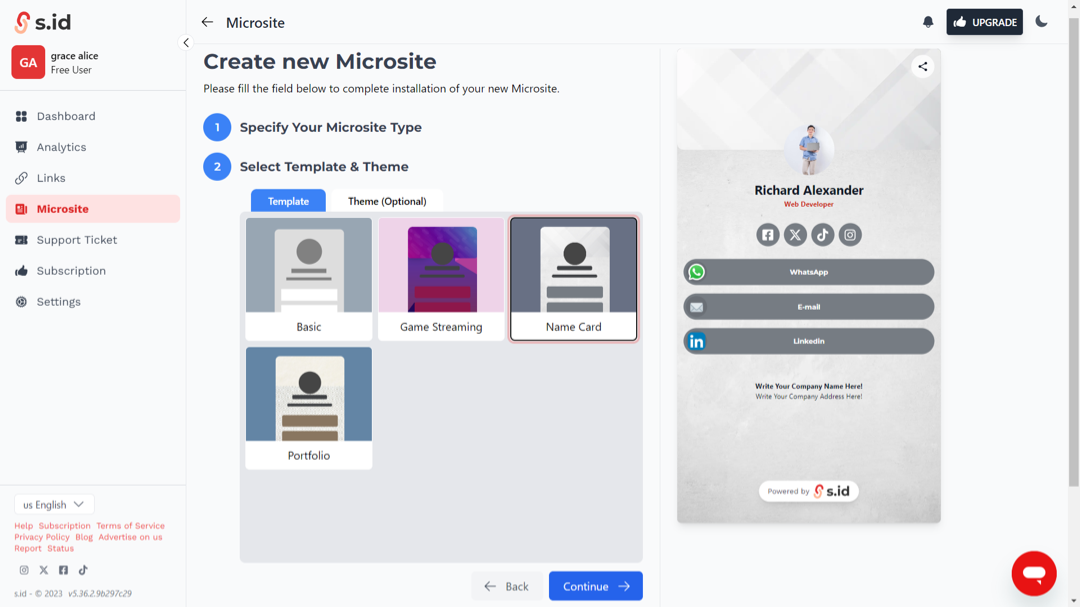
- Choose a template and theme
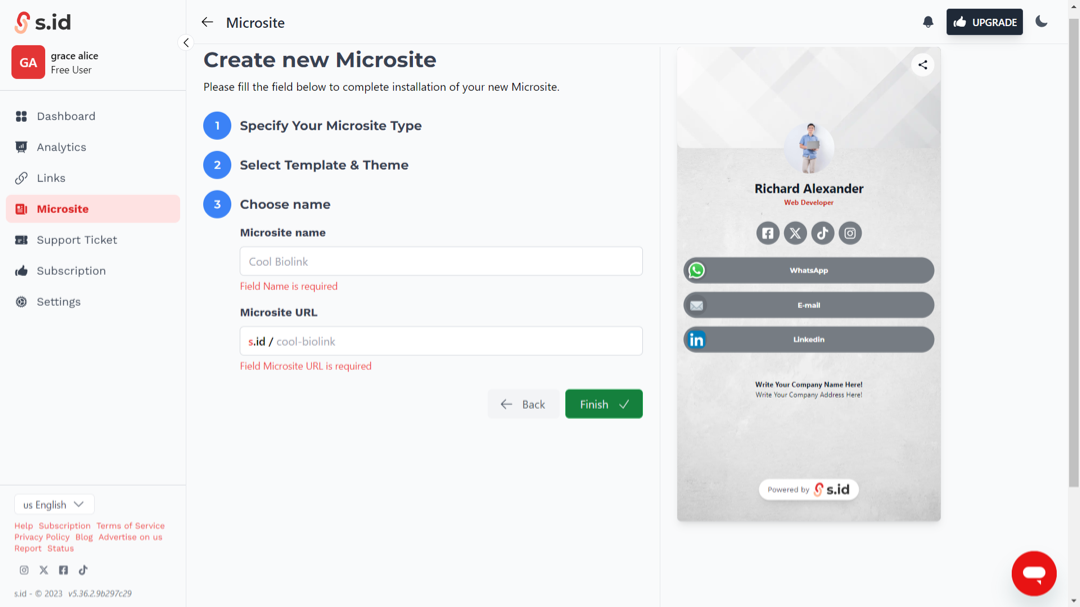
- Enter your microsite name and microsite link (microsite link functions as the link that will be shared).
- Then you can start editing your microsite by filling in the information you want to display and share.
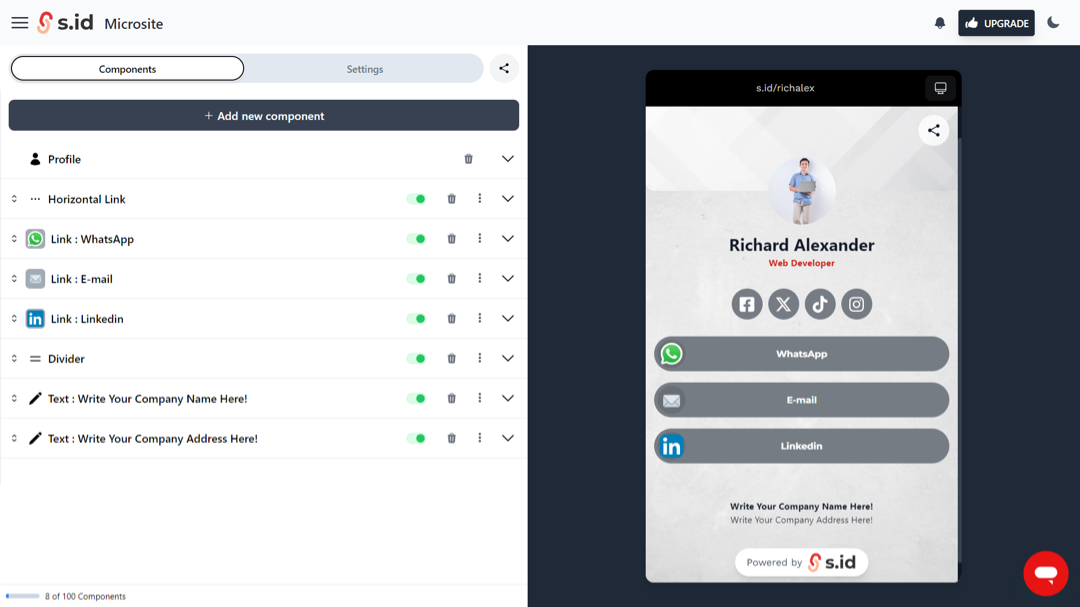
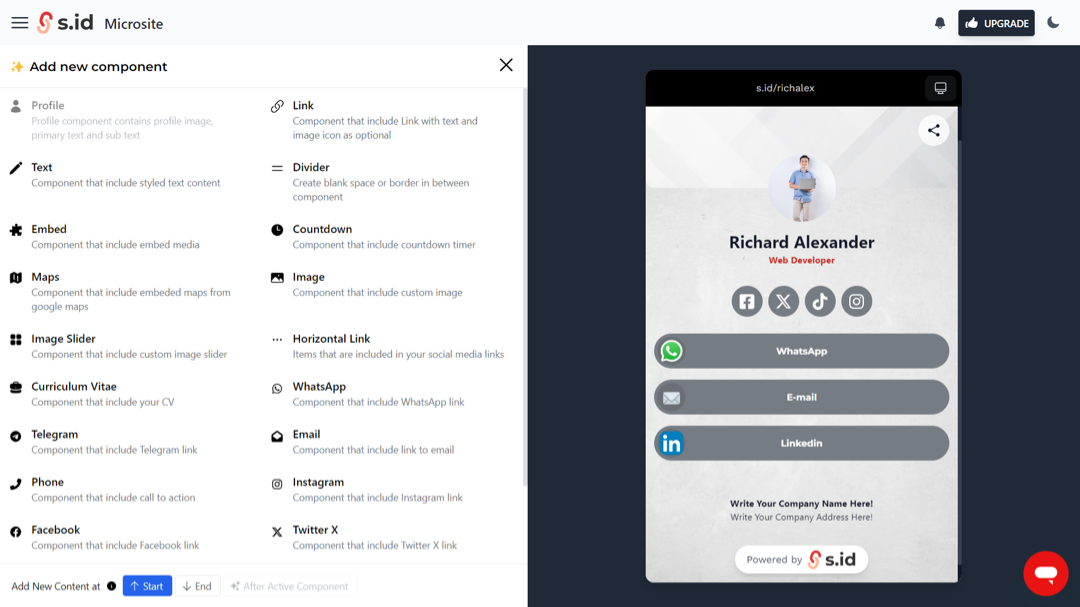
- Click **Add new component **to add additional components if necessary.