You can customize the Microsite to whatever name you want as long as the name is available.
The method is as follows:
-
Login to s.id and go to the Dashboard
-
Select the "Microsite" menu
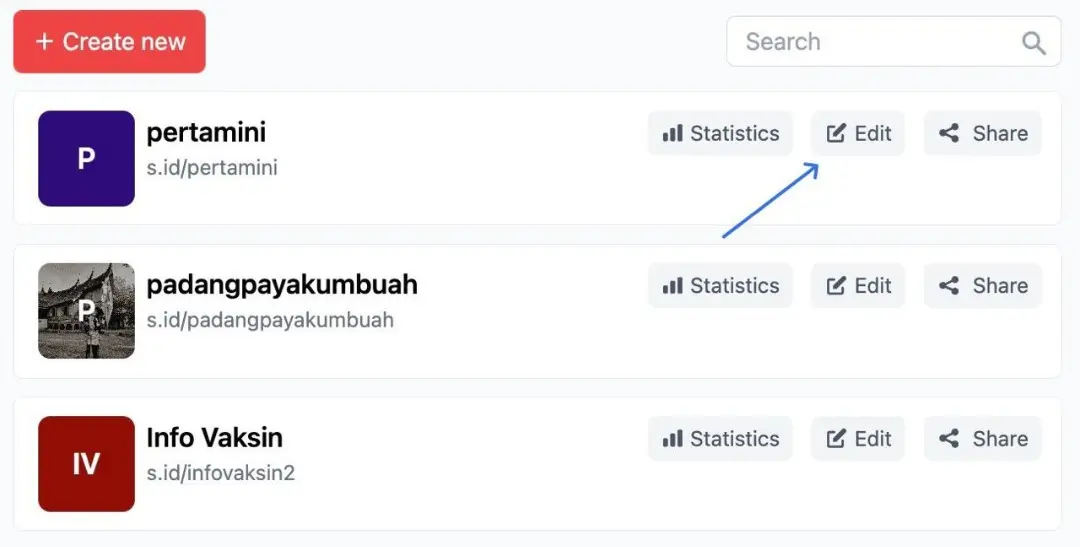
- Select the Microsite name you want to change then click Edit
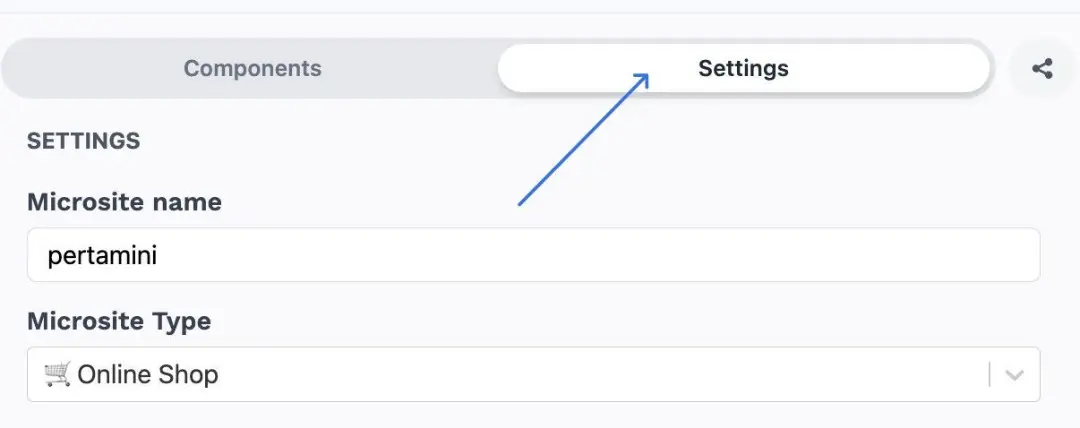
- Select Settings
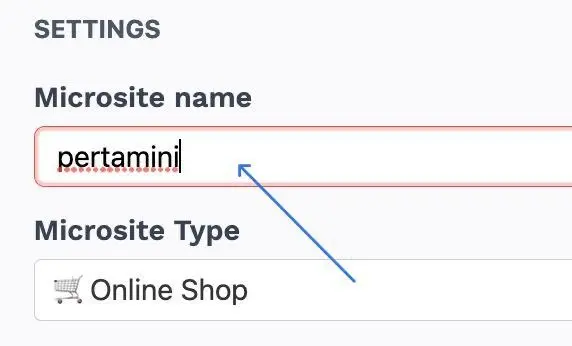
- Type in the Microsite name as you wish
- Then Click Save