
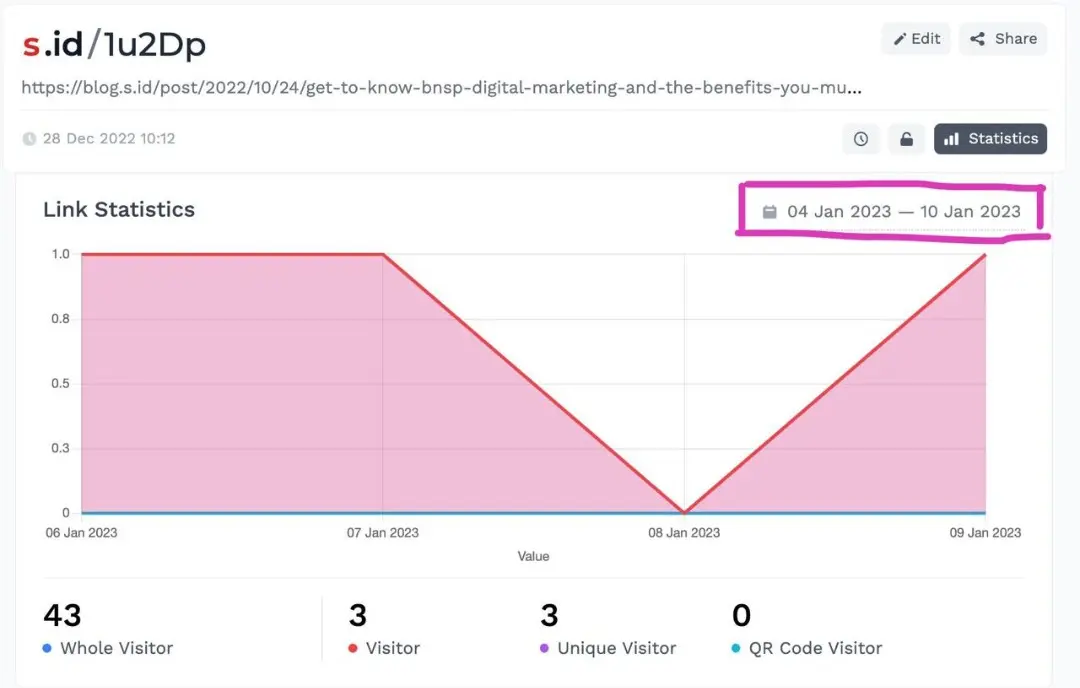
You can view and display statistics per URL such as total visits, visitors, unique visitors and QR code visits.
Here's how:
-
Login to S.id Dashboard
-
Select Links in the menu
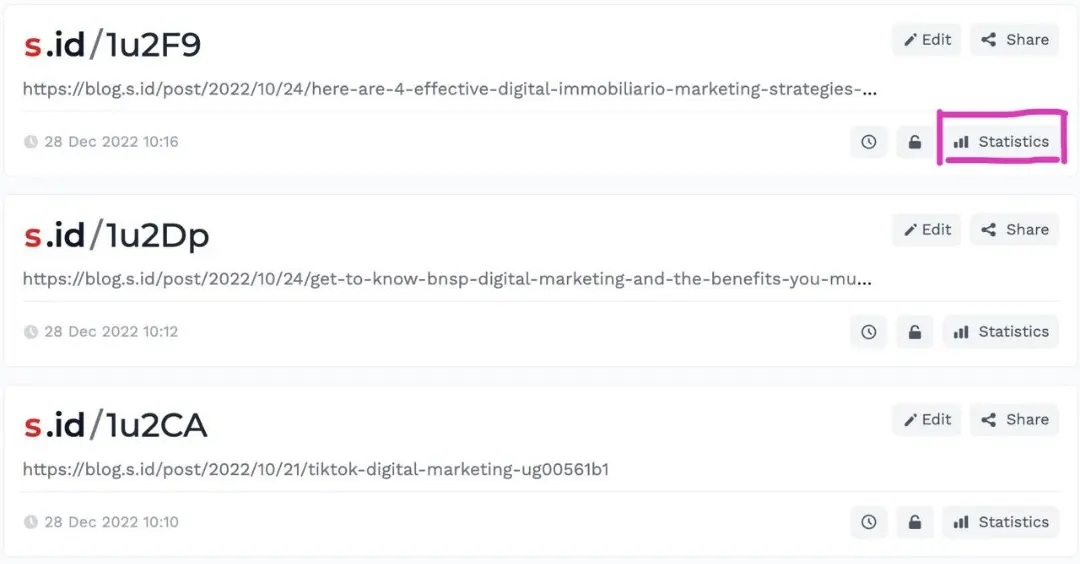
- Select Statistics under your short link menu
- You can also view daily statistics by setting the date range to the past 30 days, click the date below
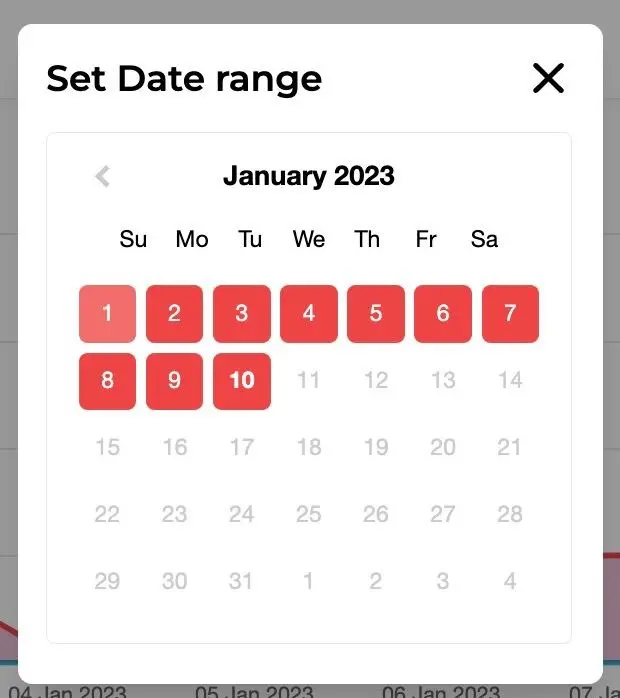
- Select the date range
With this data, you can determine the next direction and strategy for your business.