
To open your S.id account, you can log in using your email and password.
- Visit home.s.id and click the Login/Register Button.

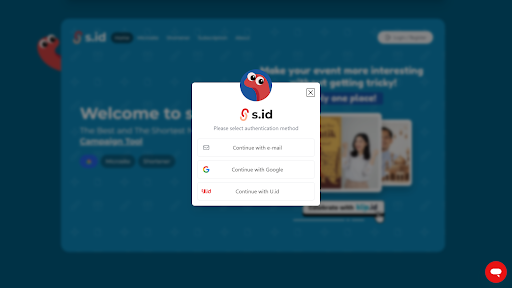
- You will be given three authentication methods to choose from. To log in using email, click the **Continue with email **button
- Enter your **Email **and **Password **into the respective input fields, then click Sign In.
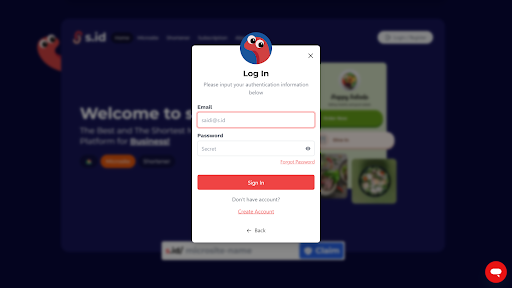
If you don't have an account, click **Create Account **to create it first or learn more about it in How to Register.