
There is a way to hide logo S.id on microsite :
-
Login into S.id with your S.id Account
-
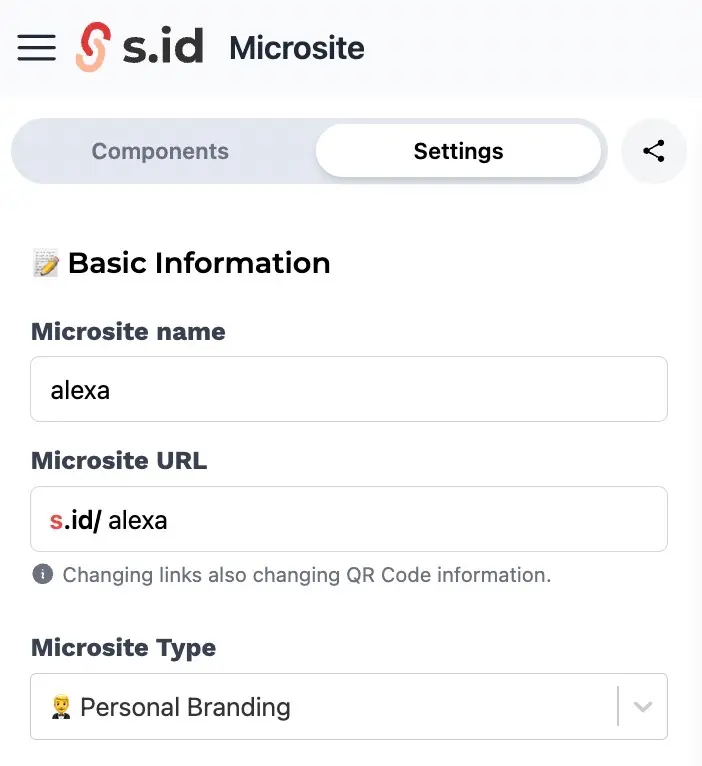
Choose **Microsite **on menu
- Go to Setting
-
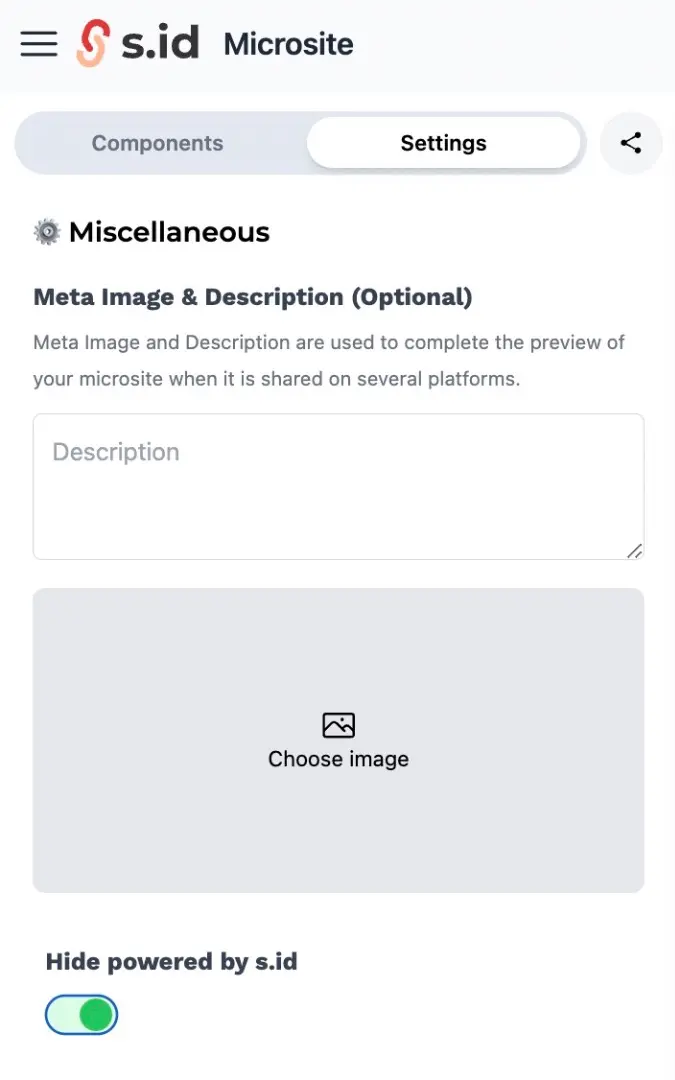
Scroll down and find toggle button Hide Powered By S.id
-
Click toggle button (until green icon)

There is a way to hide logo S.id on microsite :
Login into S.id with your S.id Account
Choose **Microsite **on menu
Scroll down and find toggle button Hide Powered By S.id
Click toggle button (until green icon)
Nakakatulong ba ang post na ito?