
Good news for loyal s.id users! The s.id Android App, which has been by your side for a while now, just got a major update that's more complete and easier to use than ever. This update brings a smoother experience for managing short links, microsites, QR Codes, and analytics right from your Android device.
If you've been using the s.id app for a while, now's the perfect time to update to the latest version and enjoy all the improved features and better performance. And if you haven't tried it yet, there's no better time to start carrying all of s.id's key features right in your pocket, no more switching between browser tabs.
What Can You Do in This Latest Version?
The s.id app is built to keep your productivity going wherever you are. Here are the standout features you can enjoy after updating:
Recommended posts

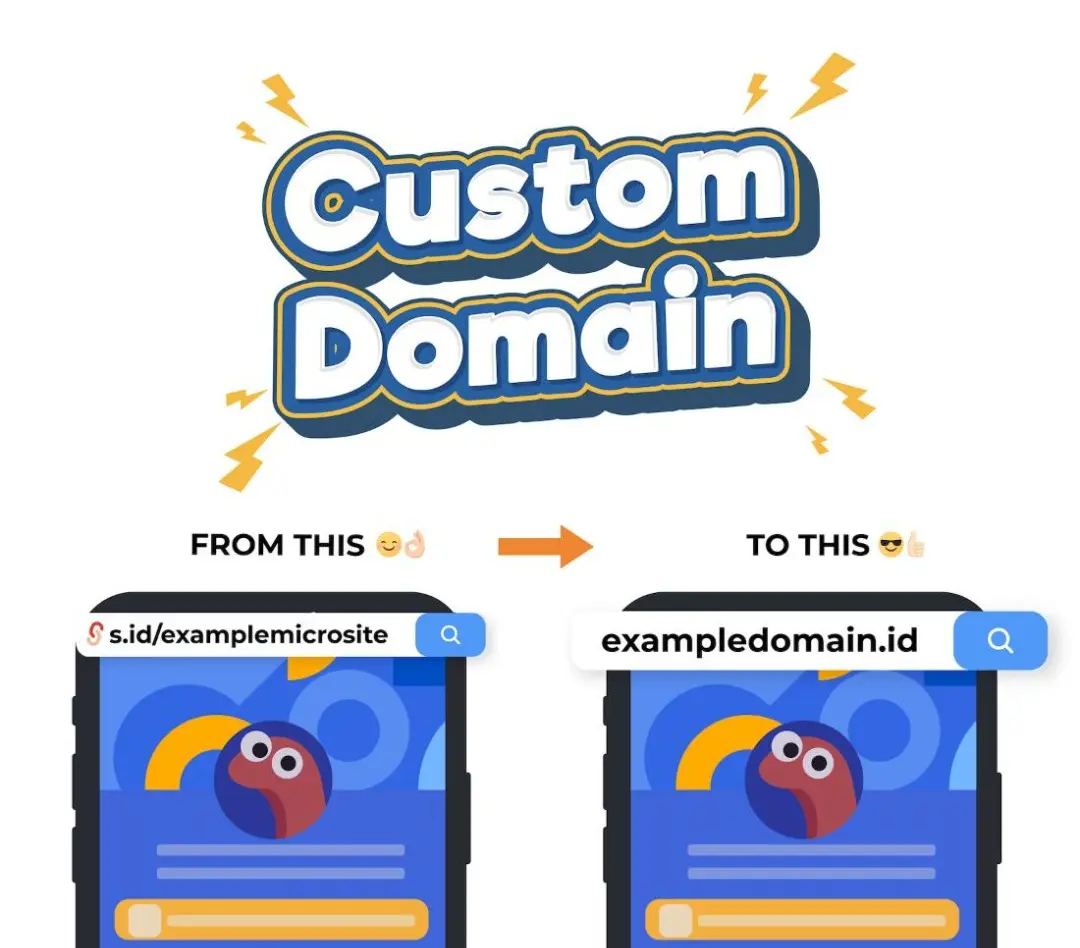

1. One Link, Endless Reach
Create personal, unique short links that match your brand, straight from your phone. Perfect for anyone who frequently shares promotional links, campaigns, or social media content on the go.
2. Shorten from Any App
This is one of the most practical features: you can share a link from any app — WhatsApp, Instagram, your browser, or anything else — directly to s.id without manual copy-pasting. Just use the share menu, select s.id, and your link gets shortened automatically.
3. Create Your Own Site (Microsite)
Build and manage a microsite for your personal branding, all from the app. Add your profile, images, image sliders, and various other components easily, no laptop needed.
4. Real-Time Analytics
Track link performance, clicks, and other insights anytime through a clean, easy-to-read mobile dashboard.
How to Update or Download
It's simple:
- Visit s.id/android from your phone's browser, or
- Open the Google Play Store, search for "s.id", then tap Update (if already installed) or Install (for first-time users)
After updating, log in with your existing s.id account, and all your short links, microsites, and QR Codes will sync automatically as usual.
Don't Forget to Update to the Latest Version
If you already have the s.id app on your phone, make sure to always update to the latest version to enjoy all the feature improvements and better performance. All your link management needs, from creating short links, designing microsites, generating QR Codes, to tracking analytics, are now even more convenient right from your Android device.
Update or download now at s.id/android and experience the ease of managing your digital presence!