

Meta Tag Microsite allows users to bring their own meta image and description when shared with their best friends via social media or messaging channels.
-
Login into S.id account and choose "Microsite"
-
Choose "Setting"
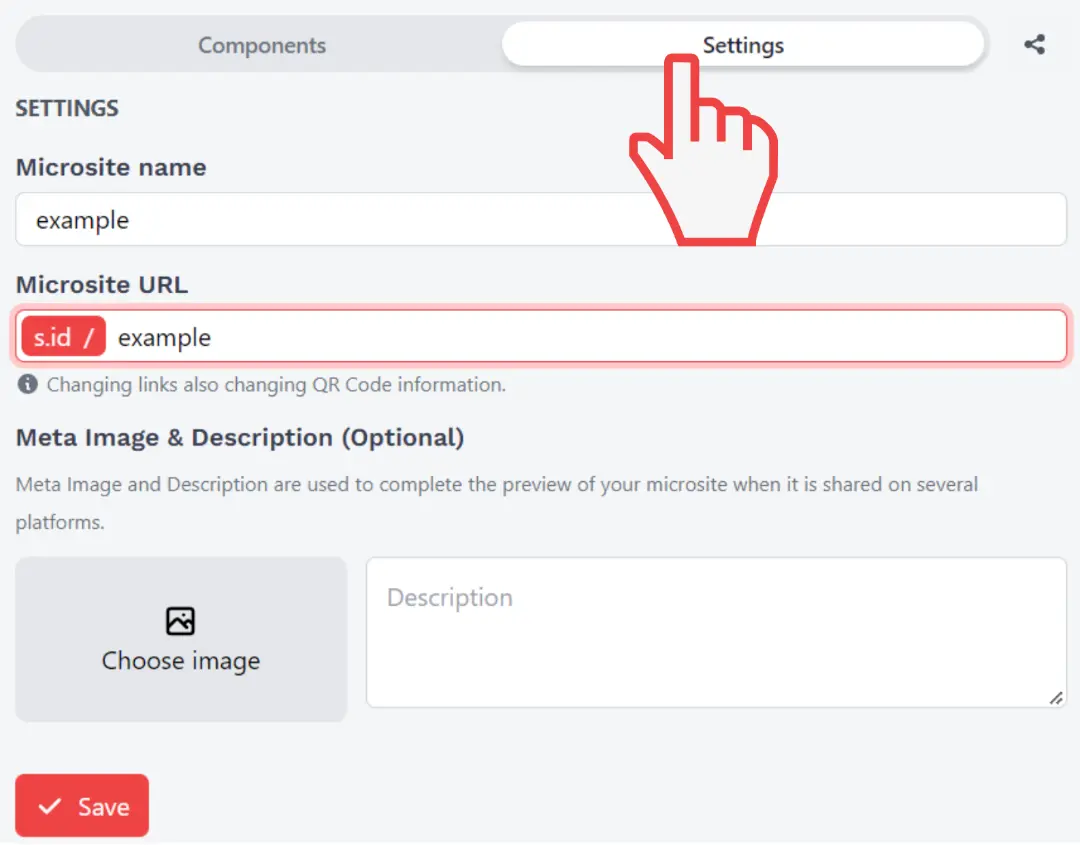
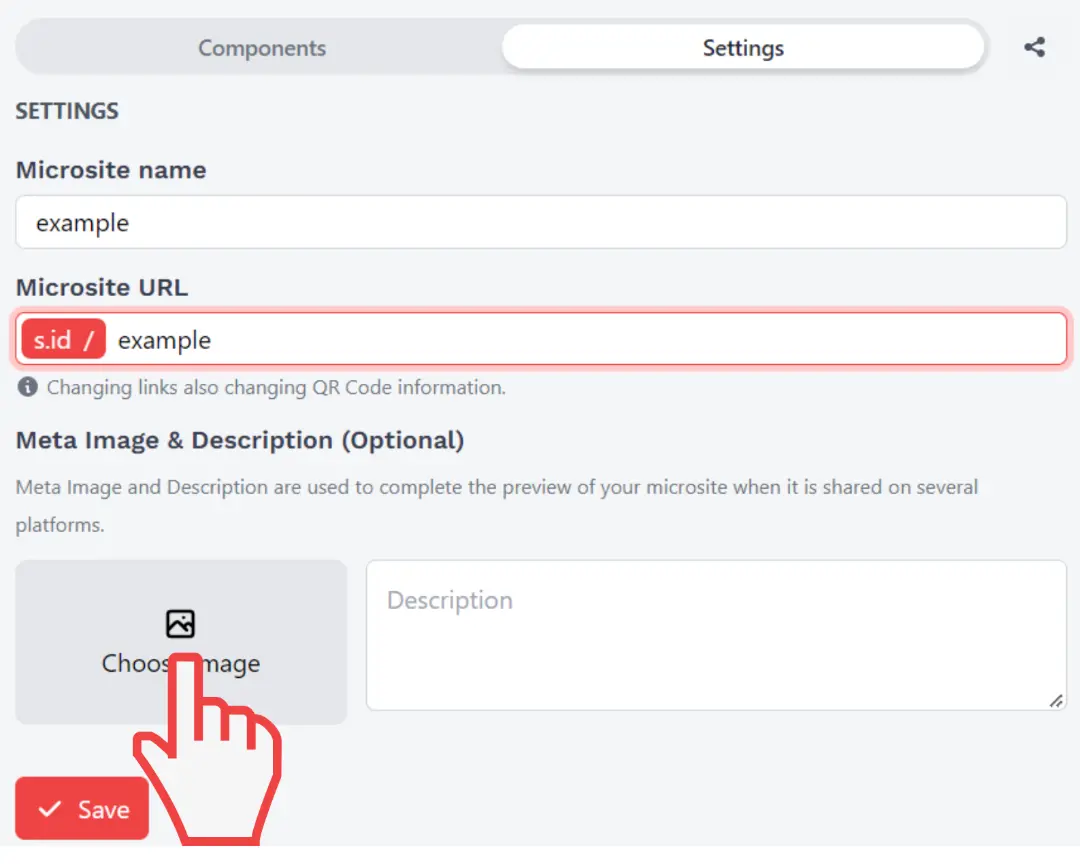
- Click "Choose Image" to upload Meta Image
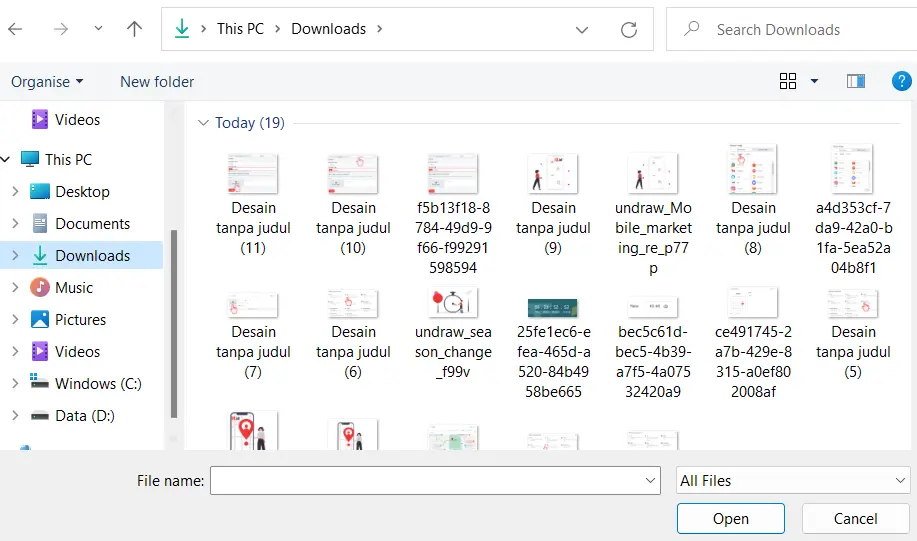
- Choose Image and click Open
- Now type your meta descripstion on the bottom left
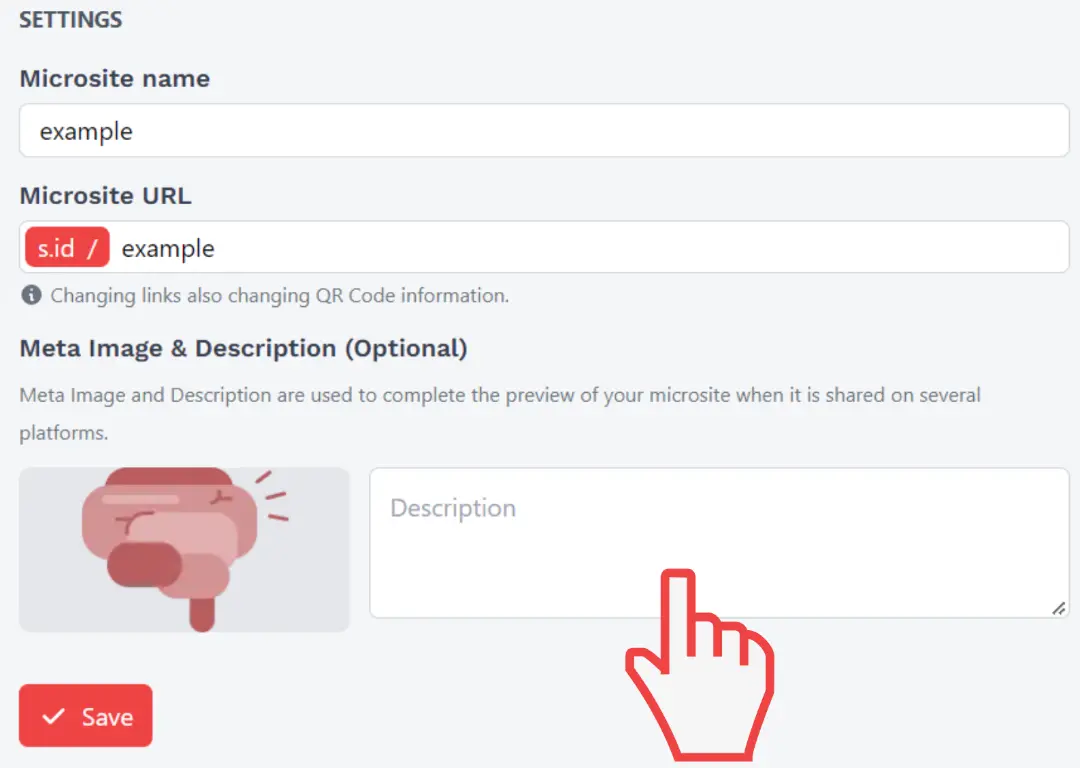
- Click "Save"
Congratulation your Meta Tag for your microsite is done !