
Hi, s.id user! 👋
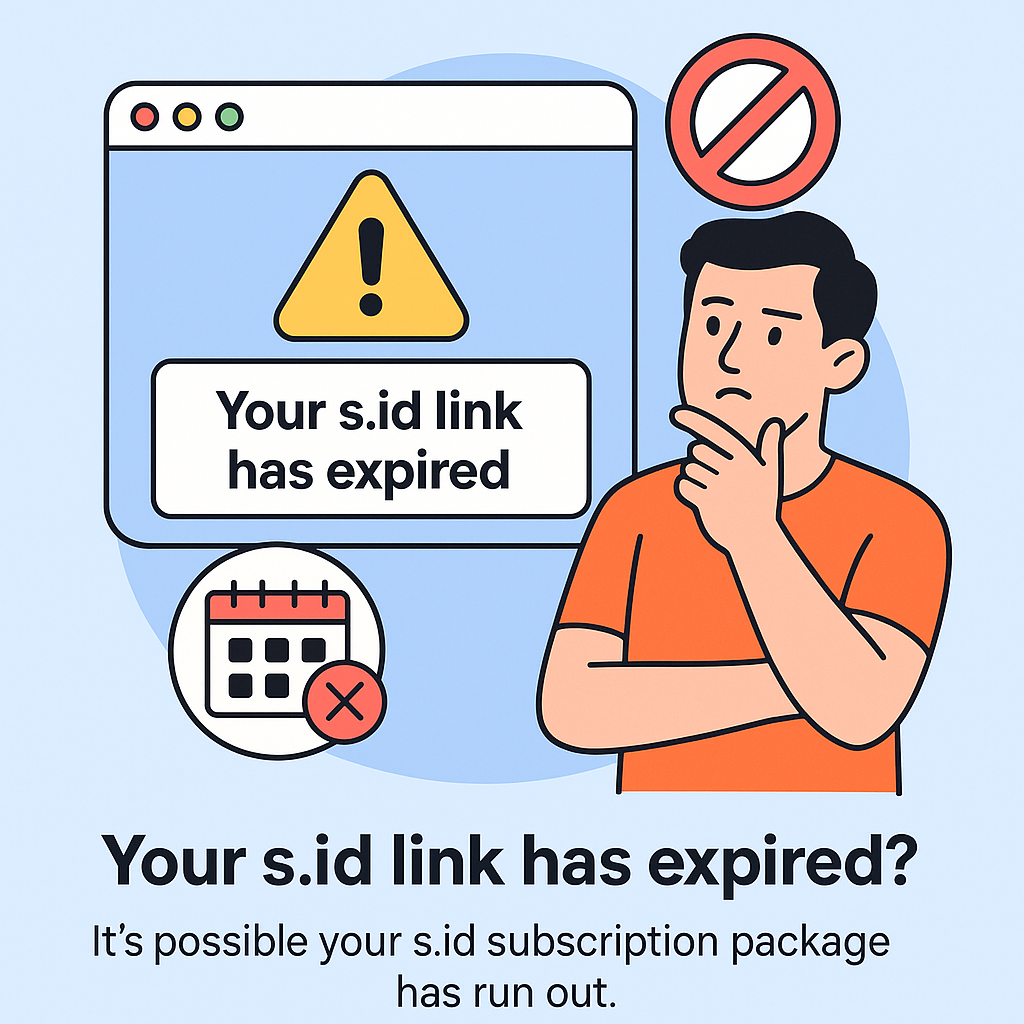
If you're trying to access your s.id custom domain and see the message “this link has expired,” that means your account is currently inactive — in other words, your subscription hasn’t been renewed yet.
Why Does This Happen?
Because custom domains (like yourstore.com or link.yourbrand.id) are part of s.id's premium features. So when your subscription expires:
- Visitors can no longer access your custom domain
- They’ll see an error message or an expired link notification
- You risk losing the traffic and trust you’ve worked hard to build
What This Means for You:
🔻 Your Instagram bio link stops working
🔻 Website traffic drops significantly
🔻 People struggle to find your brand
🔻 Sales might come to a halt...
And the fix? Super easy: Just renew your subscription now! 🚀
How to Renew Your s.id Subscription (and Get Your Custom Domain Back):
Simply visit https://s.id/subscription in your browser and choose your plan. To continue using a custom domain, make sure you select at least the PRO plan.
Don’t Wait Until Everything Disappears 🙅♀️
Expired subscription = all premium features are temporarily paused, including:
✅ Custom Domain
✅ Full Analytics …and other features may be locked too.
So, renew now to keep your link live and your business running smoothly!
👉 Click here to renew: s.id/subscription