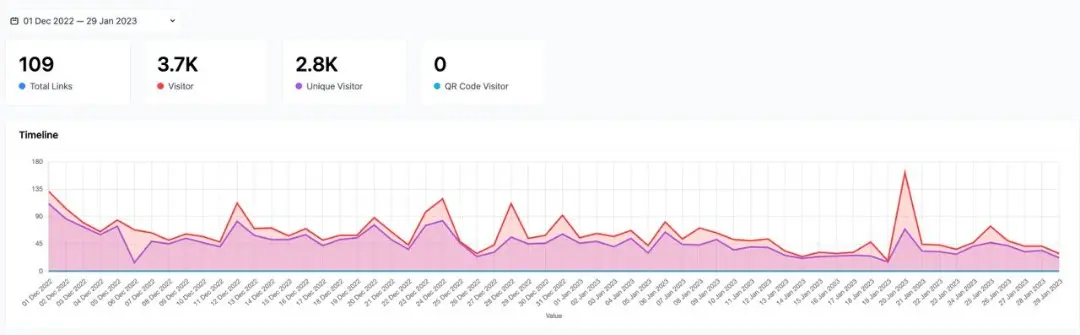
Now Starter service users can view shortlink and microsite statistics for the past 60 days, With a retention of 180 days.
The method is very easy:
- Enter the dashboard by logging in to S.id
-
In the Dashboard menu, select the analytic
-
Set the time you want
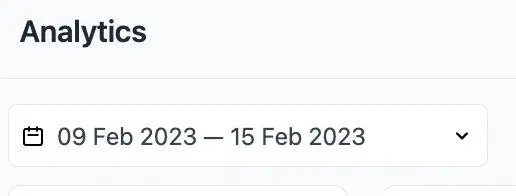
- Click on the date, then set the date back 1-60 days arange time
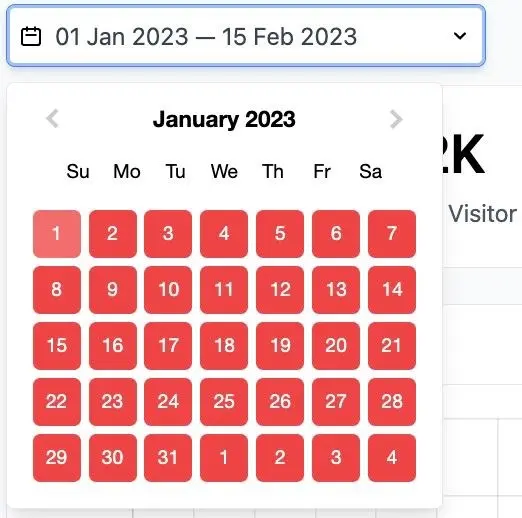
Then the statistics for the past 60 days will appear as below :