You can add a wallpaper image to your microsite.
The method is very easy:
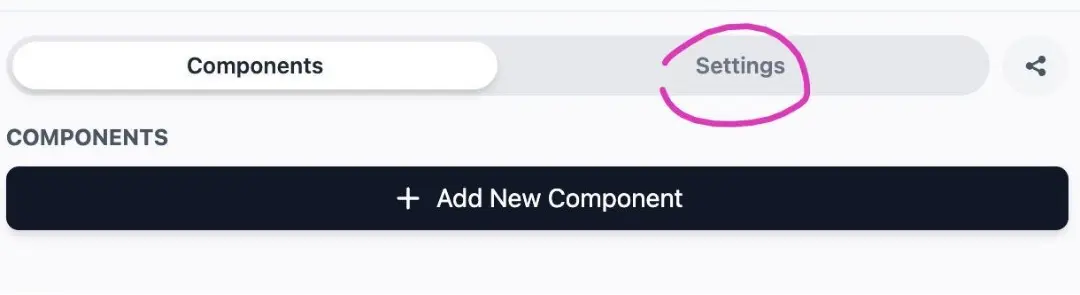
- Select settings on the Microsite menu
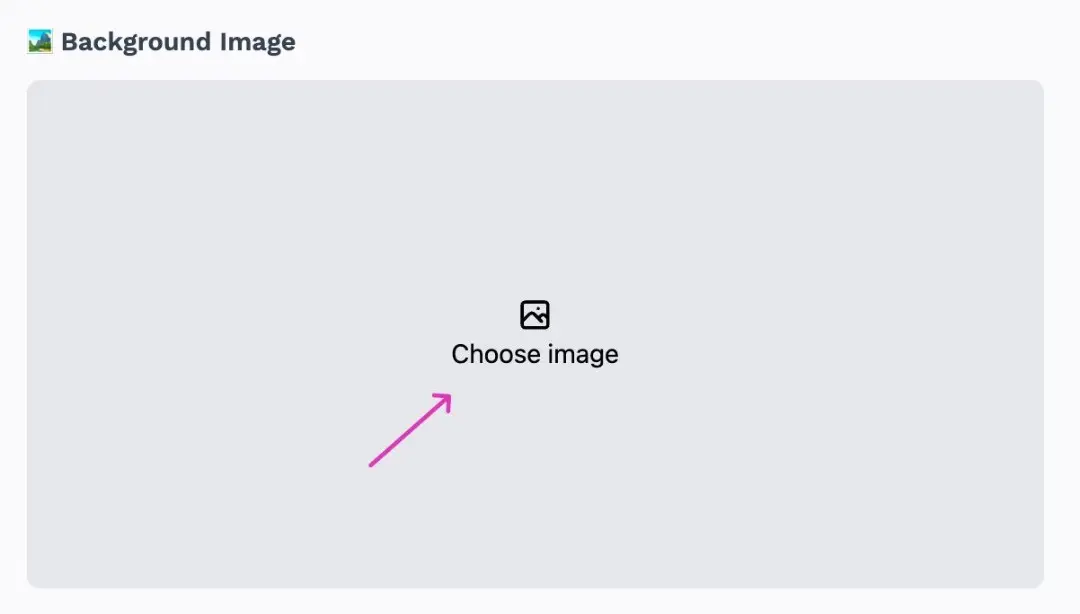
- Click Select Image
-
Select Image and Upload
-
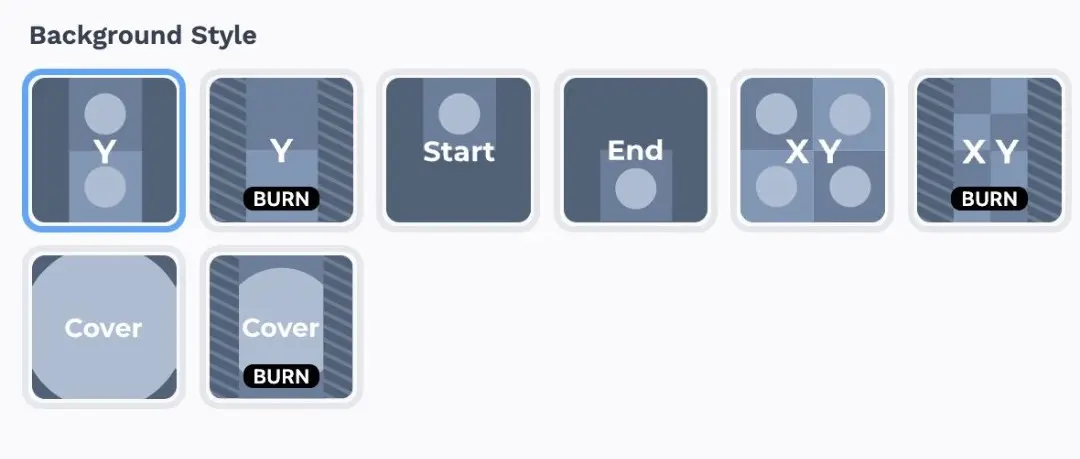
After the wallpaper is updated, you can choose the background style according to your wishes
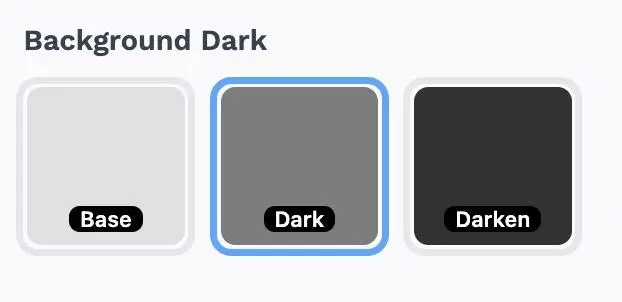
- You can also determine the darkness of your wallpaper