
You can restore archived links in the following ways:
-
Login to S.id
-
On the Dashboard select the link menu
-
Click "Archive Links"
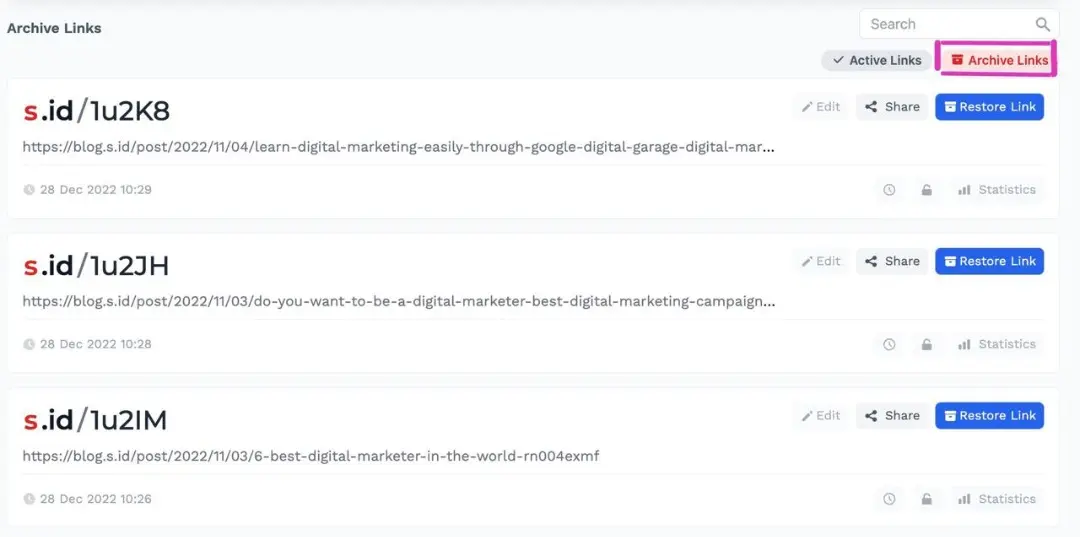
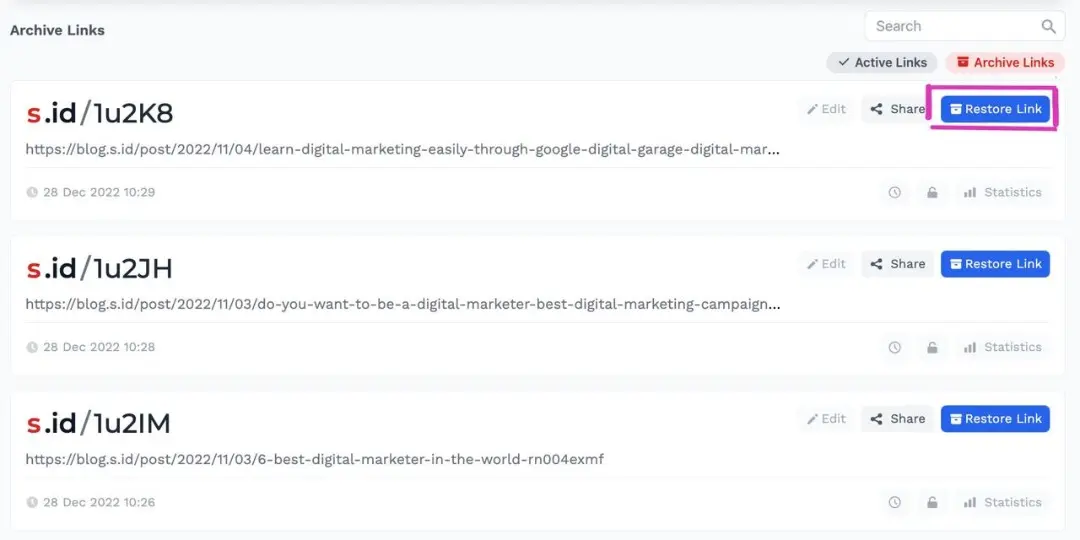
- Can search first, then click "Restore Link"
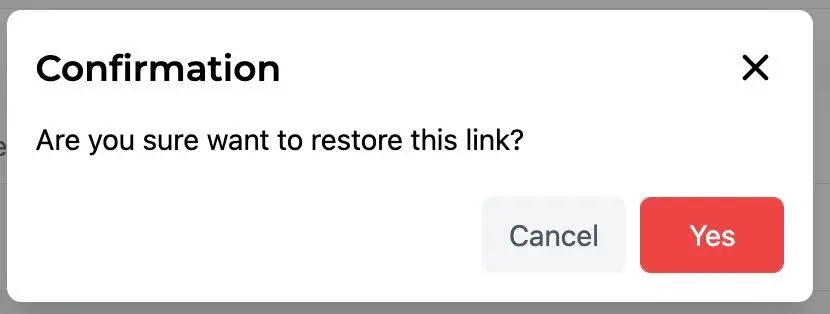
- Click yes at confirmation
Your link has been successfully restored/restored
