
Now s.id users can use dark mode in the Dashboard. In addition, after you log in to the s.id Dashboard in the upper right corner, there is a moon logo.

Click the logo; then your Dashboard has become dark mode.
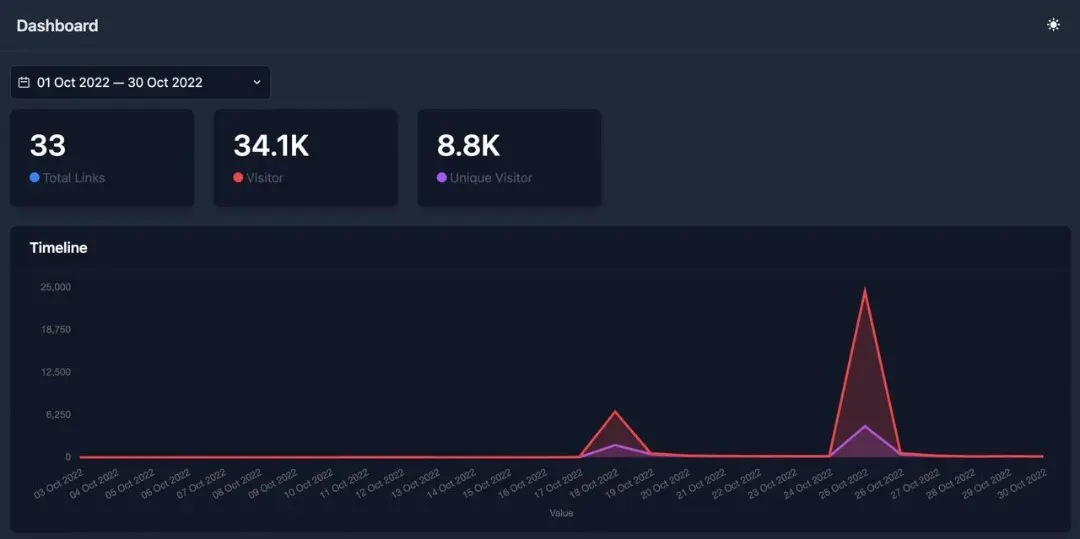
To return to light mode, return the logo in the right corner.
