
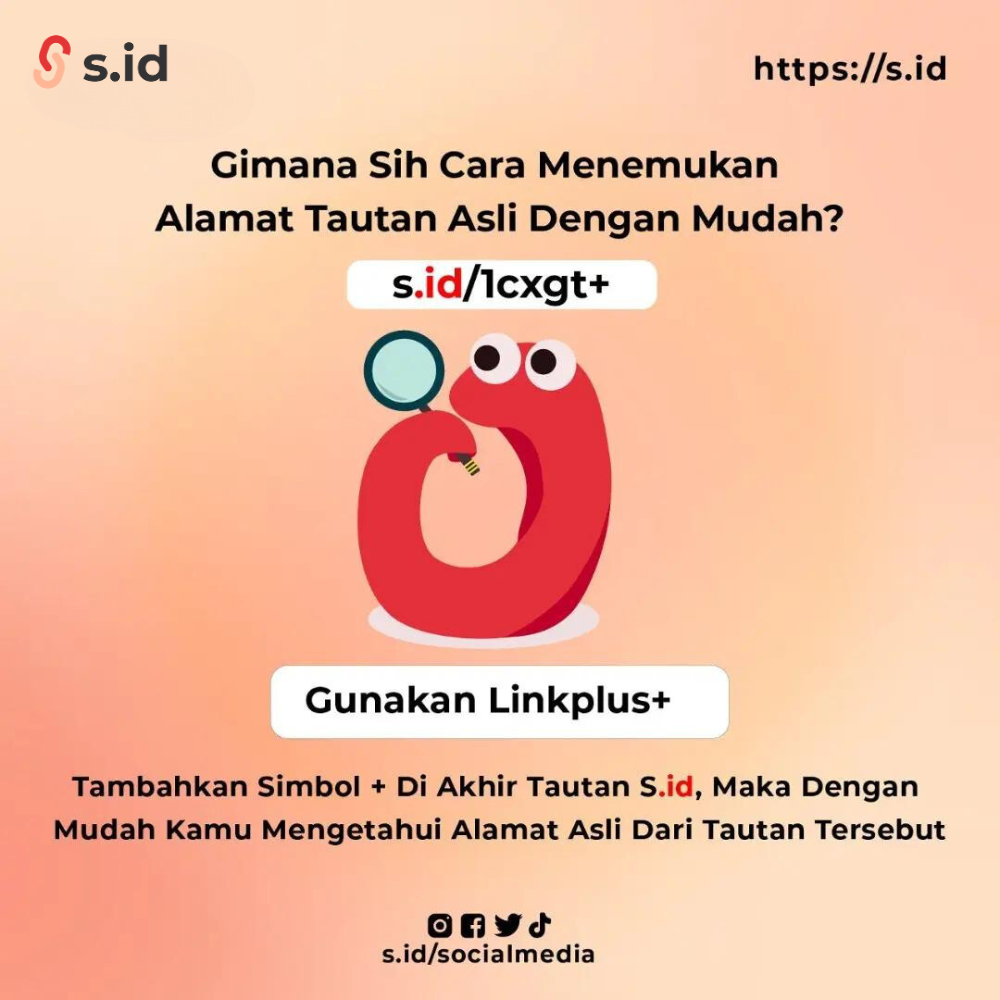
Link plus is used to find out the original link with the s.id symbol. The link plus feature is also used to determine whether the link is in the form of a microsite or a shortener link.
-
Go to the browser
-
Enter the link s.id+ (plus) example: s.id/TheBakers+
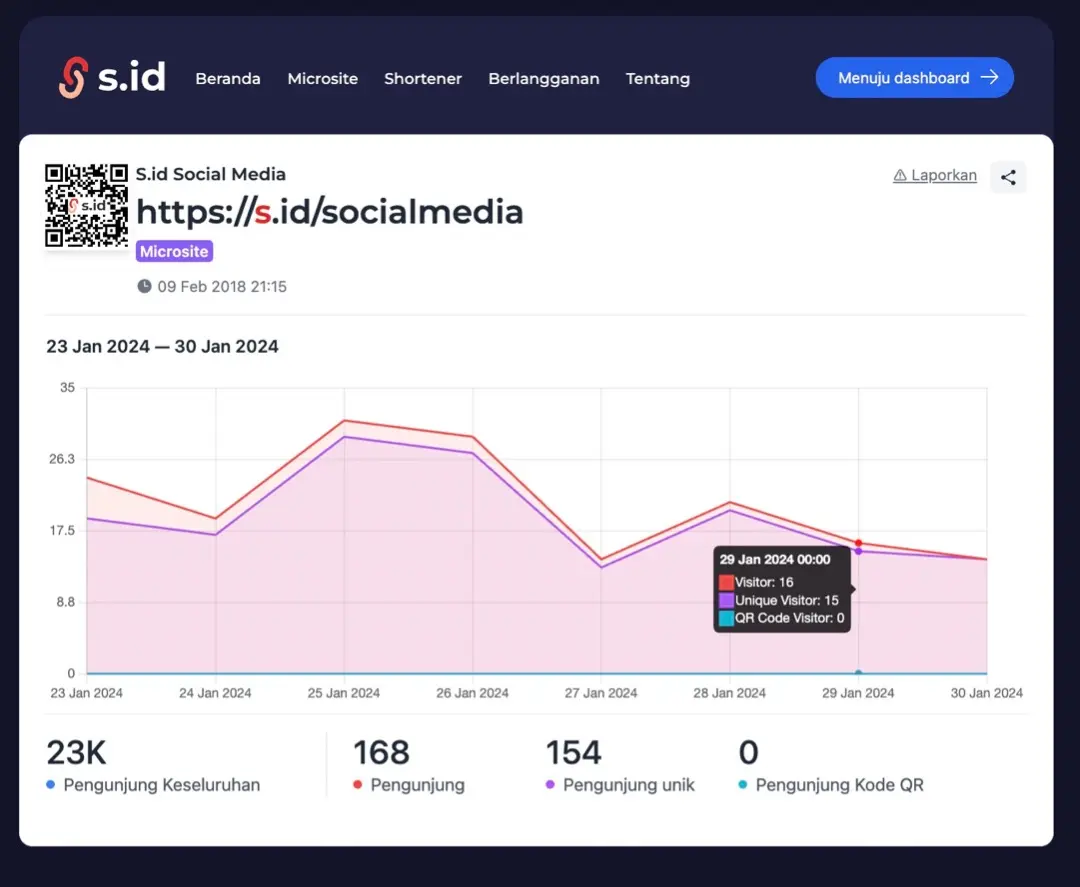
- Then, a display like the one below will appear.
The following is a display of the link originating from the s.id microsite:
The following view is the link that comes from shortener link s.id
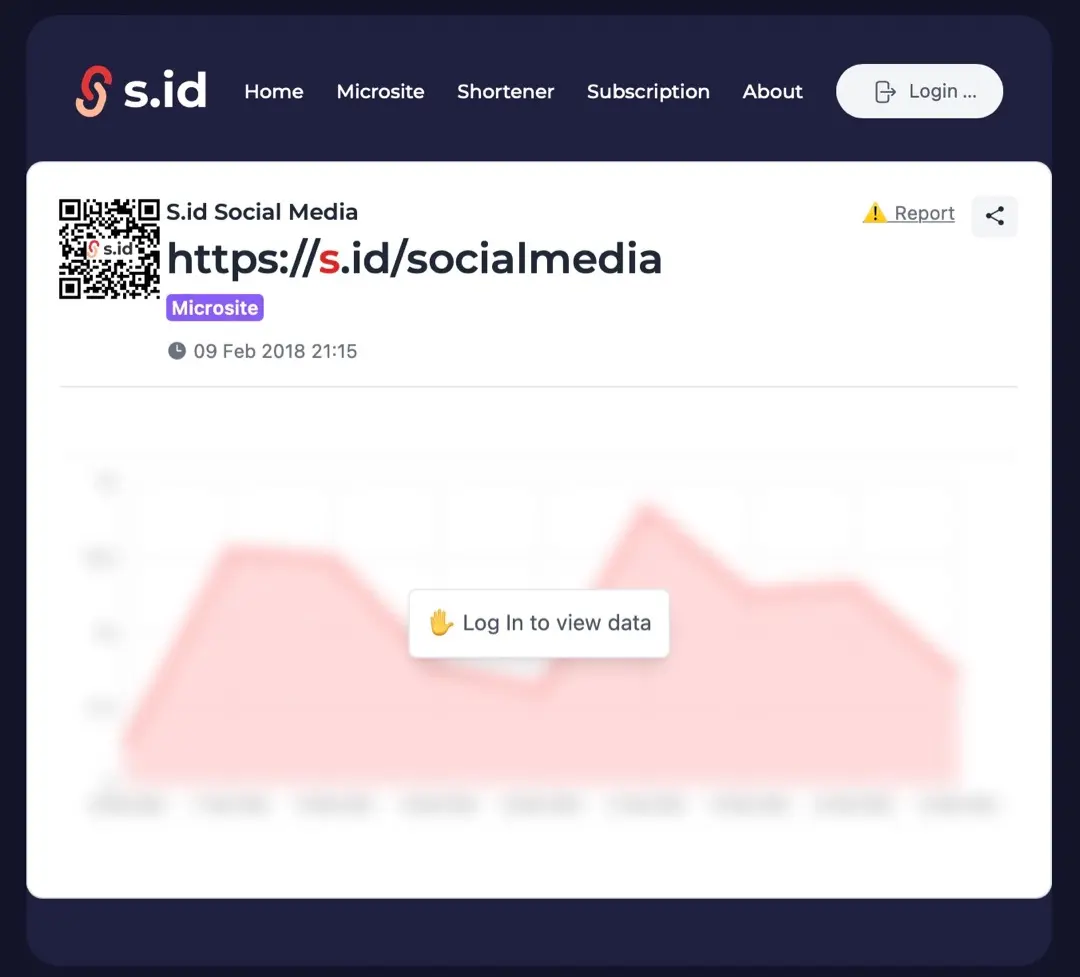
Note: the statistical link can only be seen when you are logged in to the browser and If you have a terrible experience with the link, you can report it immediately, and our team will follow up on the report.