

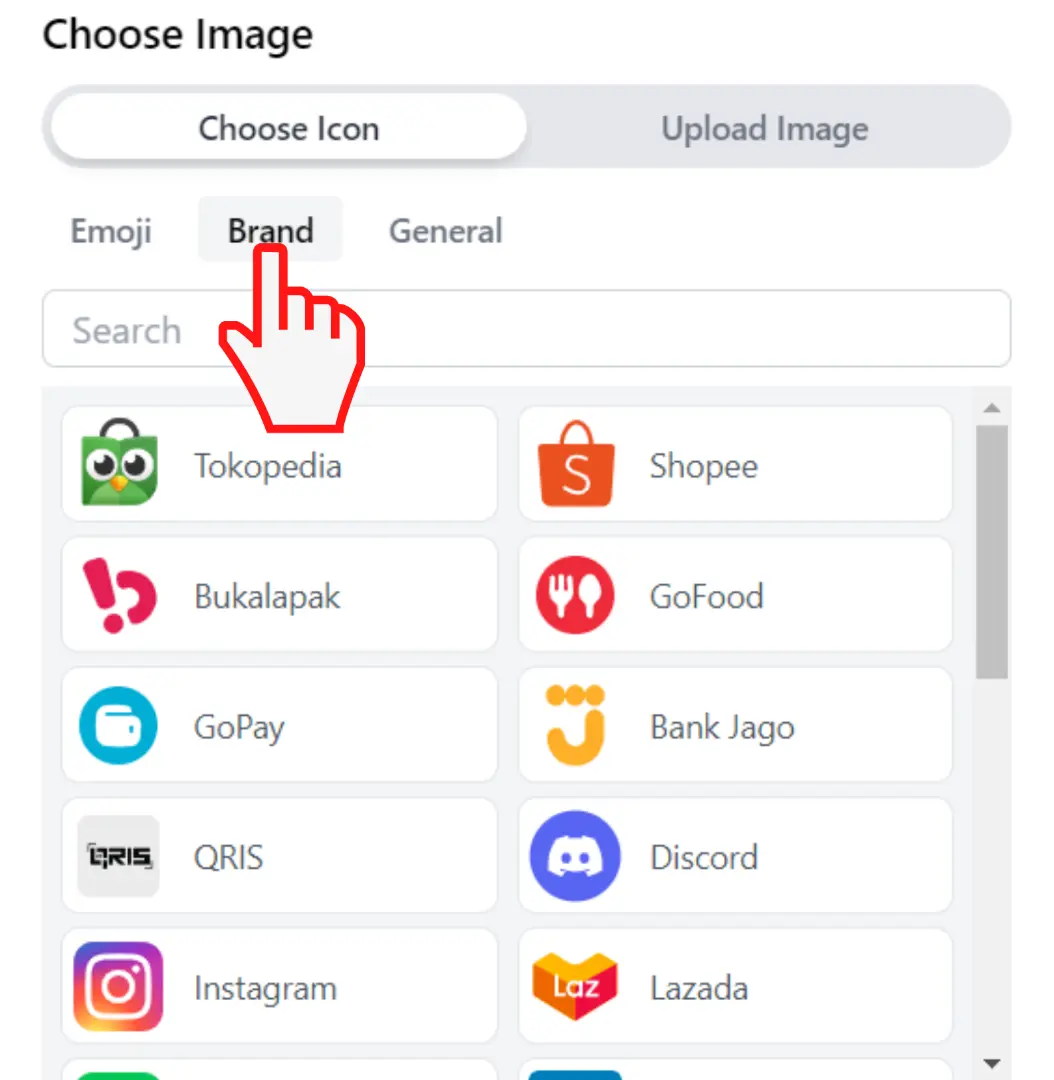
The Brand Icon on the Microsite allows you to use the brand logo that we have provided. Help your visitors to find the brand of their choice.
-
Login into S.id account and choose "Microsite"
-
Choose "Component"
-
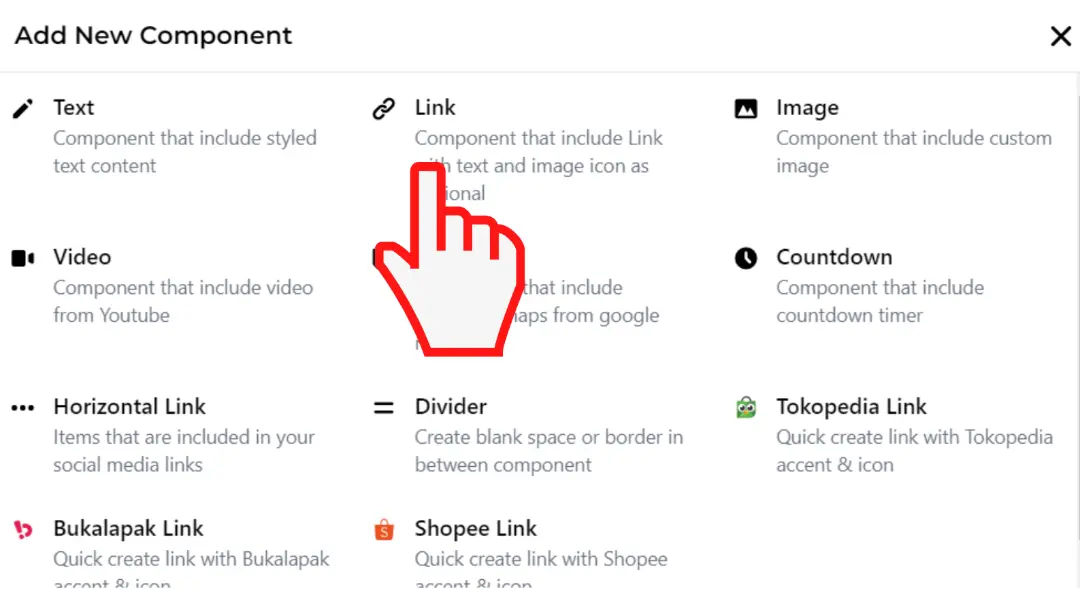
Click "Add New Component"
-
Click "Link"
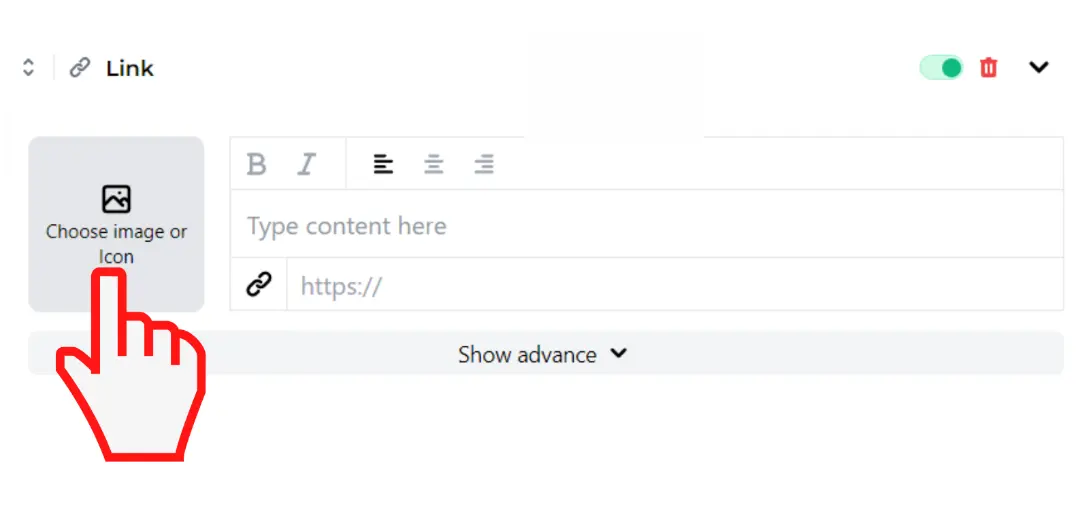
- Click "Choose image or icon"
- Click "Brand" and choose what suit you
Congratz your Brand logo is ready !