
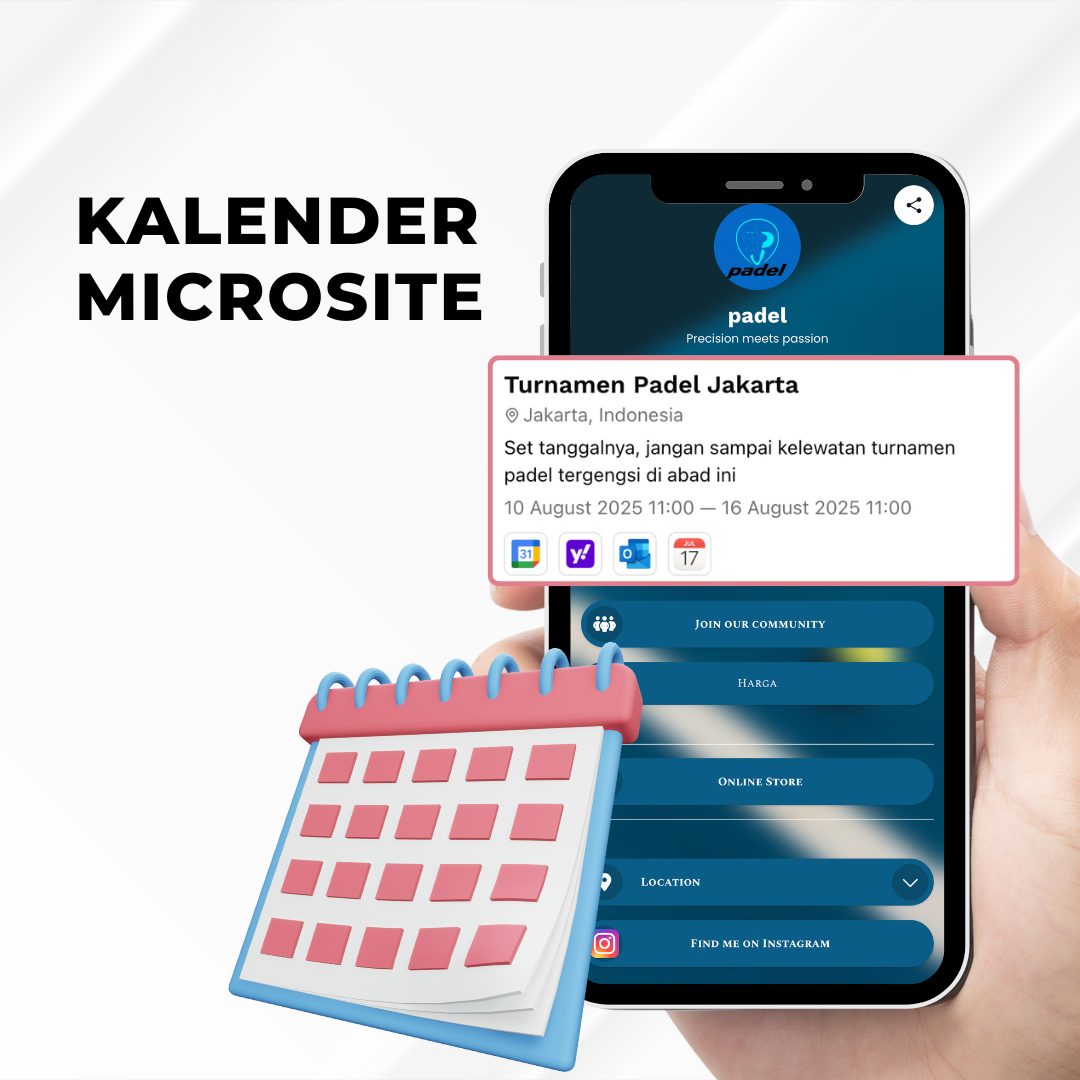
Have you ever wanted to share your event or activity schedule, but felt unsure how to present it neatly, make it easily accessible, and still keep it visually appealing?No need to worry anymore! s.id has a brand-new feature ready to help you: Microsite Calendar.
🔍 What is the Microsite Calendar?
The Microsite Calendar is the latest feature from s.id that allows you to display event schedules, classes, training sessions, or any other activities directly on your microsite in a clean and interactive calendar format.
With this feature, your microsite visitors won’t just see a list of links or plain information—they’ll be able to view when and what upcoming activities you have, complete with full details.
How to Add a Calendar to Your Microsite
- Log in to your s.id account
- Select the microsite where you want to add the calendar
- Click Add New Component, then choose Calendar
- Fill in the calendar details. Including time zone, date & time of the activity, calendar title, description, and location
- You can also connect your calendar on s.id to Google Calendar, Yahoo Calendar, Outlook Calendar, or iCal
- And that’s it! Your event calendar is now successfully added to your s.id microsite