Archive Links is a feature in the link shortener to archive links, links that are automatically archived cannot be accessed by other users (links go to 404 Not found).
Here's how to archive links on S.id:
-
Login to S.id Dashboard
-
Select the Links in the menu
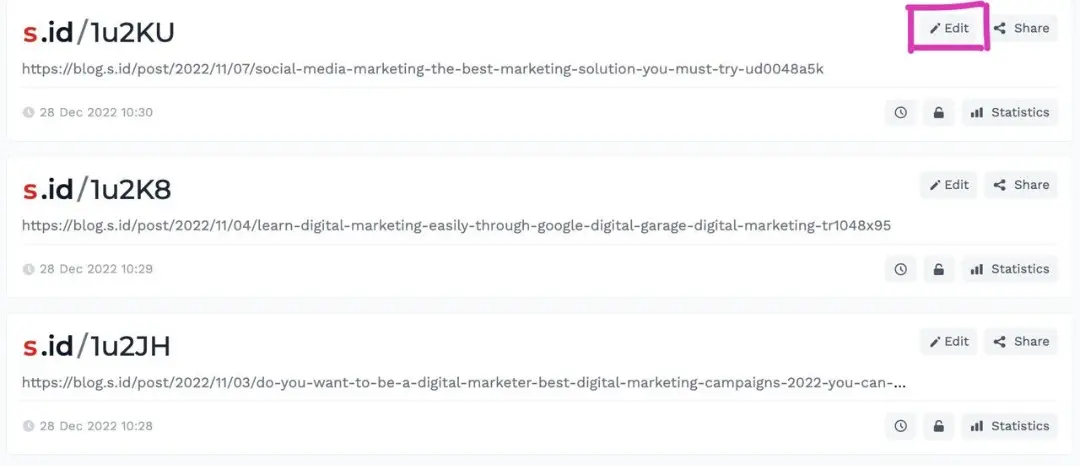
- Select Edit
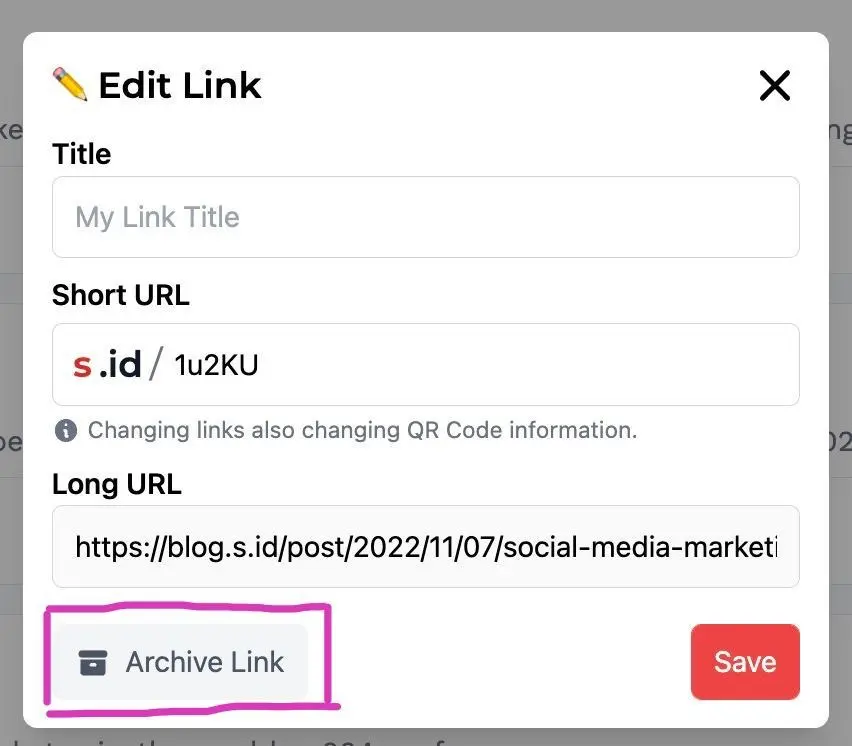
- Select Archive link
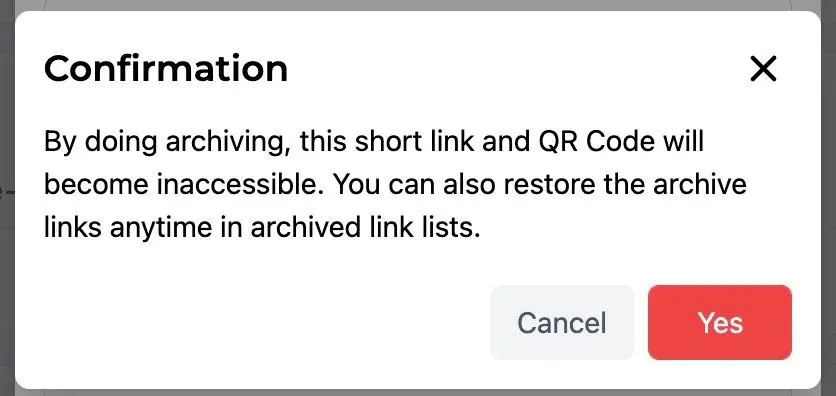
- Then Click Yes
- Your link has been successfully archived