You can make the microsite user registration process super easy by visiting our website at Here and selecting the option to Register Here.
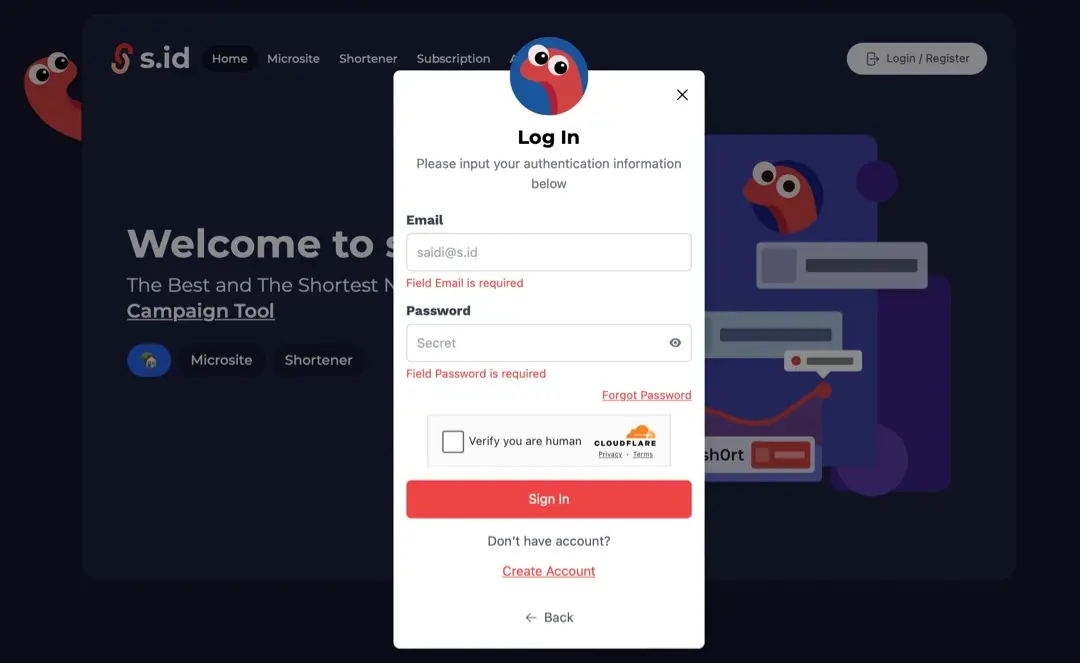
- Visit Here and click Login Button.

- select continue with email
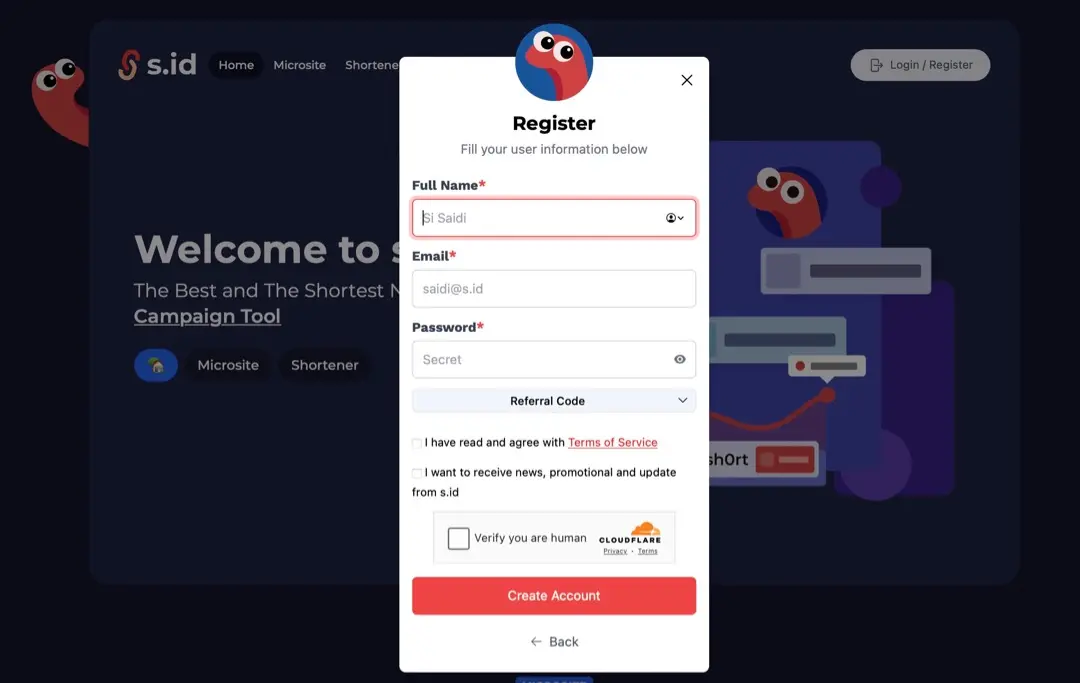
- click Create Account
- Enter your data, click I am human, and **Register **(The referral column can be left blank)
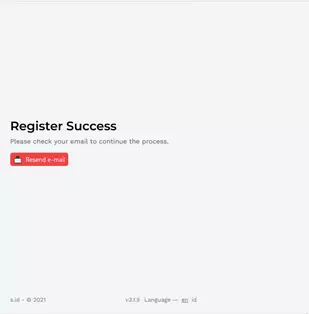
- Register success. Please check your email to continue the process. If you don't receive the email, click Resend e-mail.
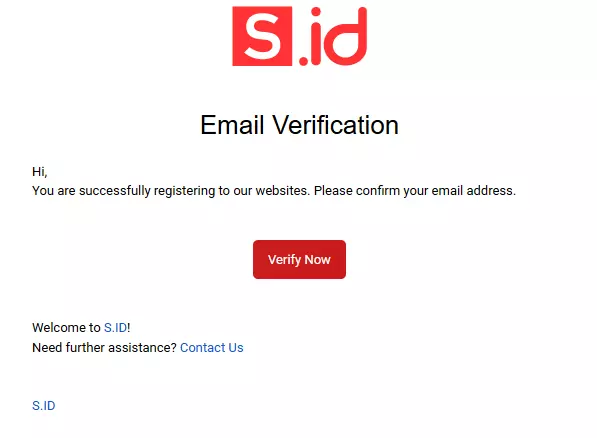
- Congratulations! You are successfully registering, please **Verify Now **to confirm your email address.