You can update and change some basic info on your account.
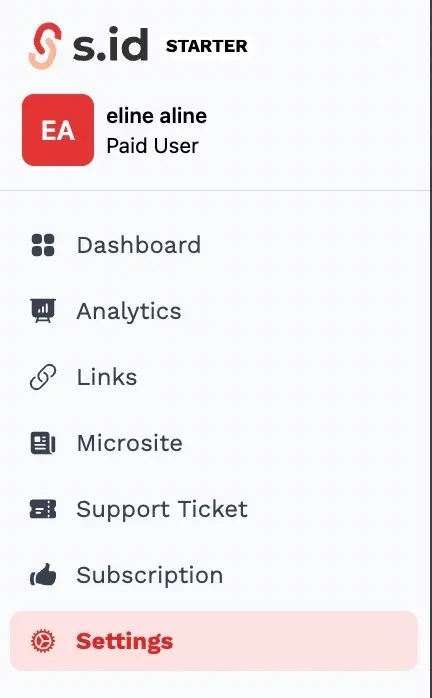
- Click User Settings in the sidebar menus.
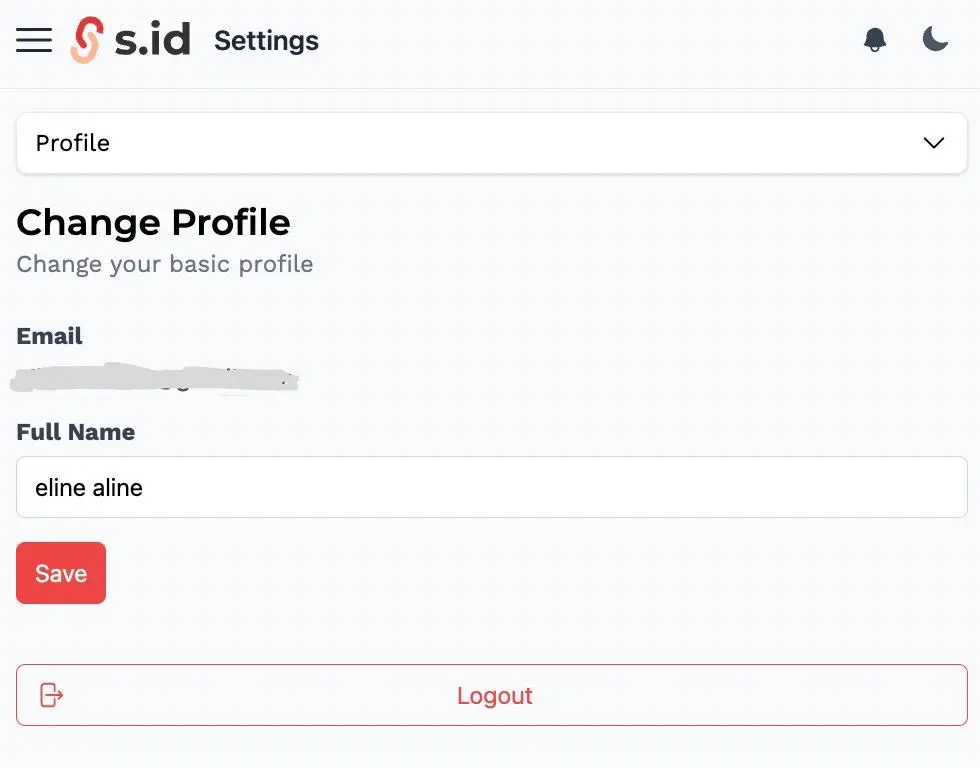
- Click Profile
- You can change your name and gender as many times as you want. Then Click Save
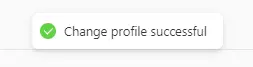
- Congratulations, your profile has been changed successfully